How I got 60 FPS in RDR2 on server hardware
Intel Xeon and NVIDIA Quadro 24 GB. A dozen benchmark runs, one unexpected discovery, and RDR2 running at 60 FPS in 4K.
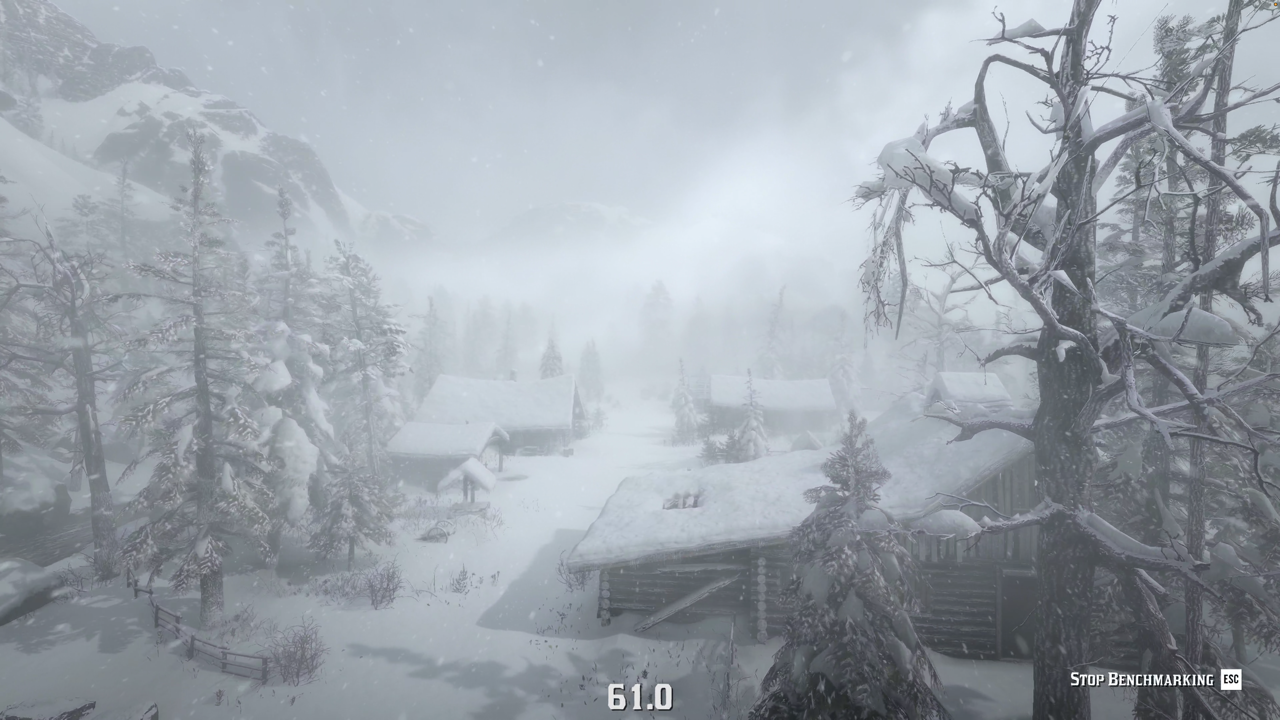
I got a Shadow PC for running AI models. But once I had a machine with a Xeon processor, 24 GB of VRAM, and 41 GB of RAM sitting there, I figured — why not try a triple-A game on max settings?
I launched Red Dead Redemption 2, set everything to Ultra at 4K, and got 43 FPS.
This is the story of how I spent an evening with Claude tuning RDR2's graphics settings on server hardware that wasn't designed for gaming. We ended up at stable 60+ almost everywhere, and the single biggest trick had nothing to do with lowering quality.
Server hardware is not gaming hardware
When I saw "24 GB VRAM" in the specs, my brain immediately went to RTX 4090 territory. That was wrong. The Quadro RTX 6000 is built on the Turing architecture — the same generation as the RTX 2080 from 2018. It has a lot of memory because it's designed for professional workloads like 3D rendering and CAD, where you need to hold massive datasets in VRAM. But raw gaming performance? It's an RTX 2080 with extra storage.
Same story with the CPU. The Xeon W-3235 is a 12-core workstation processor that clocks up to 4.5 GHz. Great for parallel compute tasks, but games mostly care about single-thread performance and clock speed, where desktop chips like the i7 or Ryzen 7 eat it for lunch. This becomes painfully obvious later.
Shadow PC offered other configurations too — an AMD EPYC with an RTX A4500, and a cheaper EPYC with an RTX 2000 Ada. I checked the benchmarks and the Quadro RTX 6000 setup was the best option for gaming out of the three. Not because it's good. Because the others are worse.
First launch: everything on Ultra
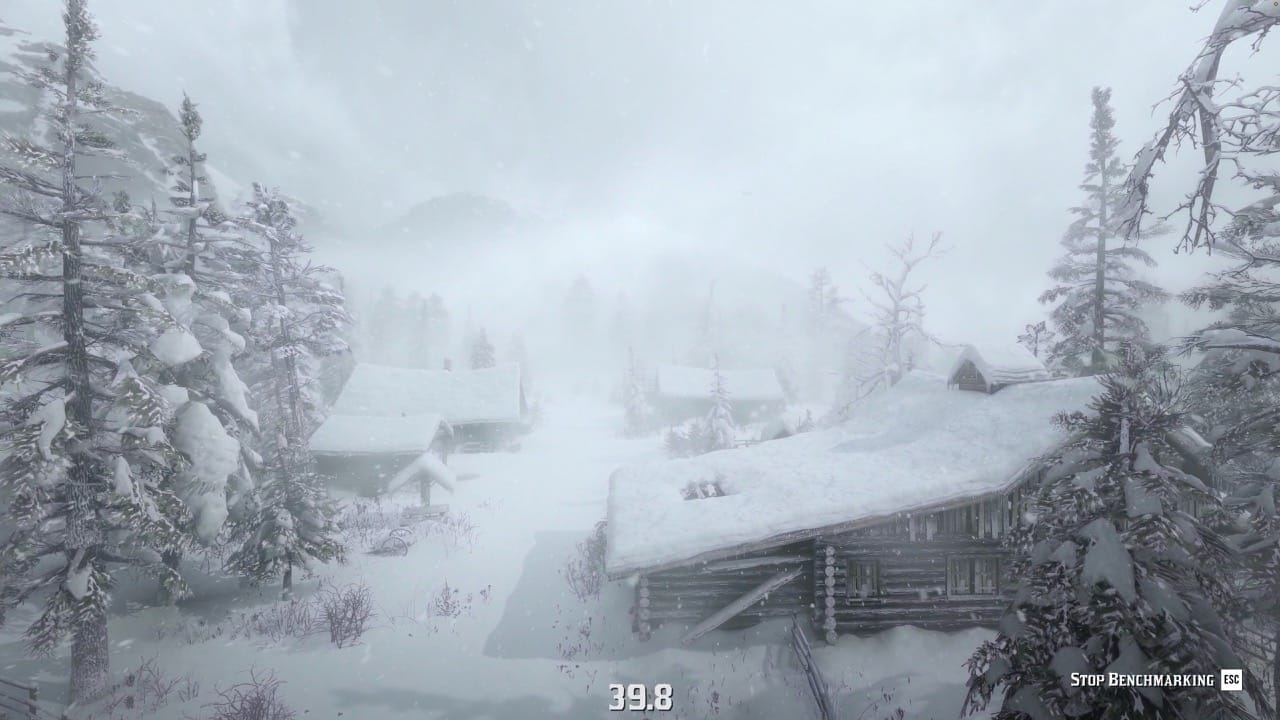
I started where everyone starts — all settings maxed out, native 4K, no DLSS. RDR2 has a built-in benchmark that cycles through five different scenes: a blizzard in the mountains, a swamp at night, a desert sunset, the town of Valentine, and the streets of Saint Denis.
The results:
| Scene | FPS |
|---|---|
| Blizzard (mountains) | 39.8 |
| Swamp (night) | 44.9 |
| Desert (sunset) | 50.0 |
| Valentine (night) | 39.8 |
| Saint Denis (day) | 44.6 |
Average: 43.4 FPS. Minimum: 27.8. Playable if you squint, but not at 4K where every stutter is visible. The blizzard scene was the worst offender, and that made sense — all those volumetric snow particles getting lit by dynamic lighting is exactly the kind of thing that kills GPUs.
The naive approach: just turn stuff down
I asked Claude to help me figure out which settings cost the most FPS for the least visual payoff. We lowered Far Volumetric Resolution from Ultra to Medium, turned off Tree Tessellation, and nudged a few other things down. Some settings were actually too low from the Ultra preset — Soft Shadows was Off, Tree Quality was Low — so we raised those.
Result: 3 to 7 FPS improvement depending on the scene. Better, but still nowhere near 60.
We could have kept going, dropping Shadow Quality and Global Illumination from Ultra to High. But at some point you're just making the game look worse. RDR2's beauty is the whole point — if I wanted to play an ugly version, I'd play on a laptop.
The DLSS trap
DLSS seemed like the obvious answer. Let the GPU render at a lower resolution and use AI upscaling to make it look like 4K. I turned on DLSS Quality mode and set everything back to Ultra.
The blizzard scene dropped to 30 FPS. Worse than without DLSS.
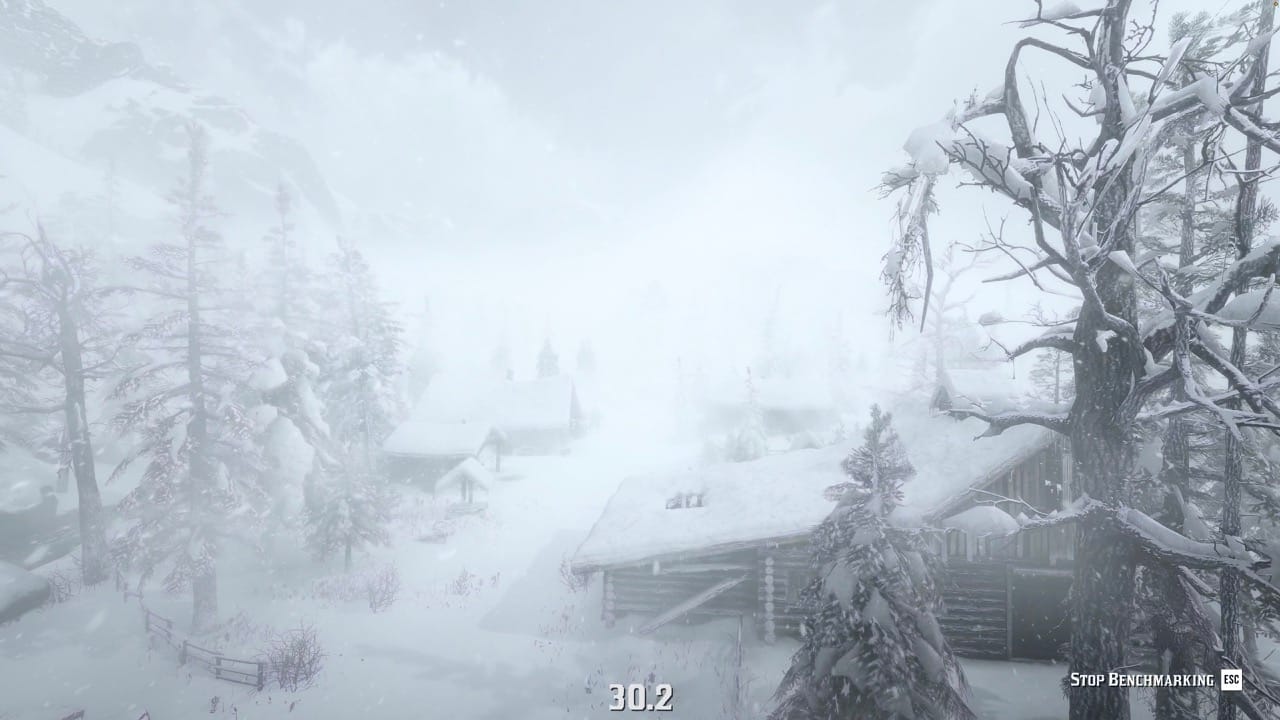
Two things went wrong here. First, the Quadro RTX 6000 has first-generation Tensor cores. DLSS on Turing cards is noticeably worse than on newer architectures — the upscaling quality is lower and the performance gain is smaller. Second, I made the mistake of cranking everything to Ultra thinking that DLSS would cover the difference. It didn't. The GPU was still choking on volumetric effects, and now it also had to run the DLSS inference on top.
Getting systematic
This is where the process stopped being "tweak a setting, run a benchmark" and started being actual optimization. We turned DLSS Quality back on, but this time paired it with carefully lowered settings.
The general strategy: lower anything that's expensive but not very visible. Keep anything that makes the game look noticeably different.
We dropped Global Illumination, Shadow Quality, Reflection Quality, and Volumetrics Quality to High. Turned off Full Resolution SSAO. Lowered Particle Lighting, Fur Quality, and geometry detail to about 75%. Turned off Tree Tessellation.
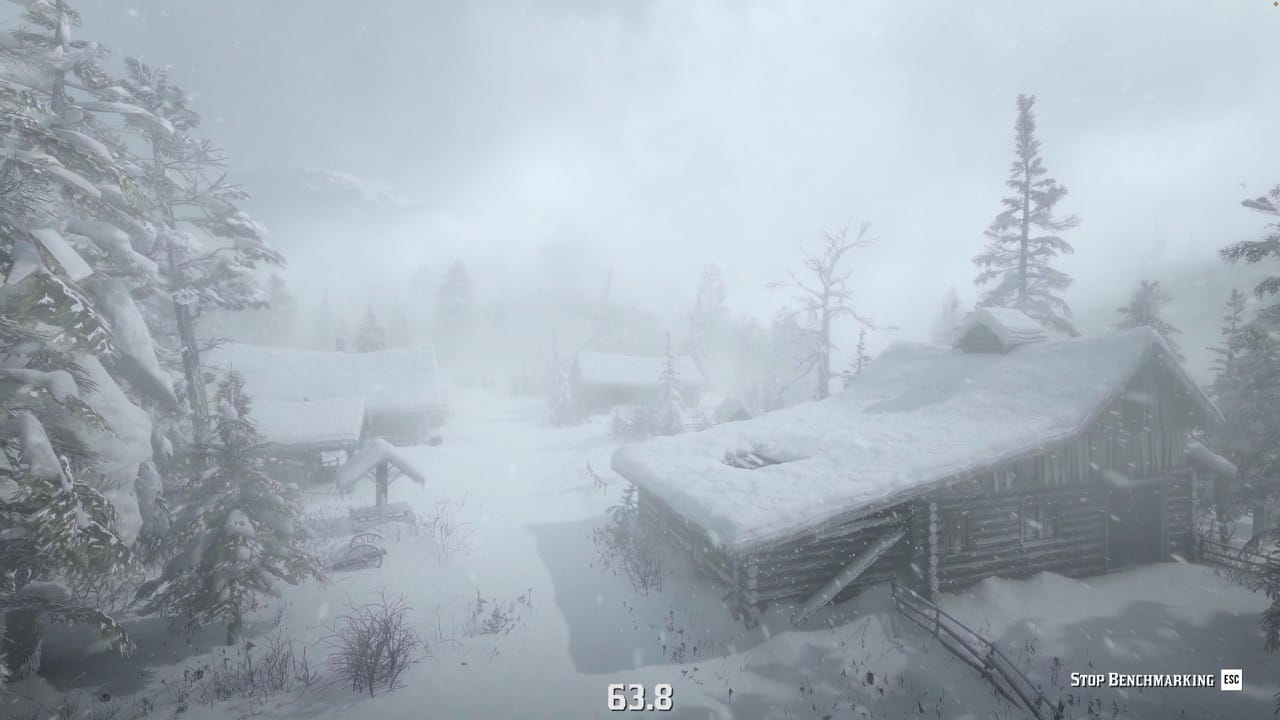
Result: stable 60 FPS everywhere except the blizzard, which sat at 50 to 55. Close, but the blizzard was still a problem.
The breakthrough: volumetric resolution vs. quality
This was the moment that made the whole exercise worth it.
I removed the 60 FPS cap to see how much headroom we actually had. In normal scenes, the game was running at 80 to 100 FPS. In the blizzard, it tanked to 30. The headroom existed — it was just being eaten by one specific scenario.
Claude pointed out something I'd missed: RDR2 has two separate volumetric settings, and they do very different things. Volumetrics Quality controls how good the fog, mist, and light rays look — the visual fidelity. Volumetric Resolution controls the resolution at which those effects are calculated — how many samples per pixel.
The trick: you can set Quality to Ultra and Resolution to Low. The effects still look beautiful because the quality of the simulation is high. But the GPU isn't calculating them at full resolution for every pixel, which is where all the performance cost was hiding.
We set Near Volumetric Resolution to Medium and Far Volumetric Resolution to Low. Then we used the freed-up performance to raise settings that actually matter visually — Shadow Quality back to Ultra, Reflection Quality back to Ultra, Soft Shadows to High.
Blizzard scene: 63.8 FPS. With better visual settings than before.
That single change — separating volumetric quality from volumetric resolution — was worth more than all the previous tweaking combined.
Fine-tuning and the CPU wall
With 60+ FPS and about 10 frames of headroom in most scenes, we started raising settings back up: Global Illumination to Ultra, Fur Quality to High, Particle Lighting to High, Far Shadow Quality to Ultra.
Everything looked great until Saint Denis. Walking through a crowded street: 51 FPS.
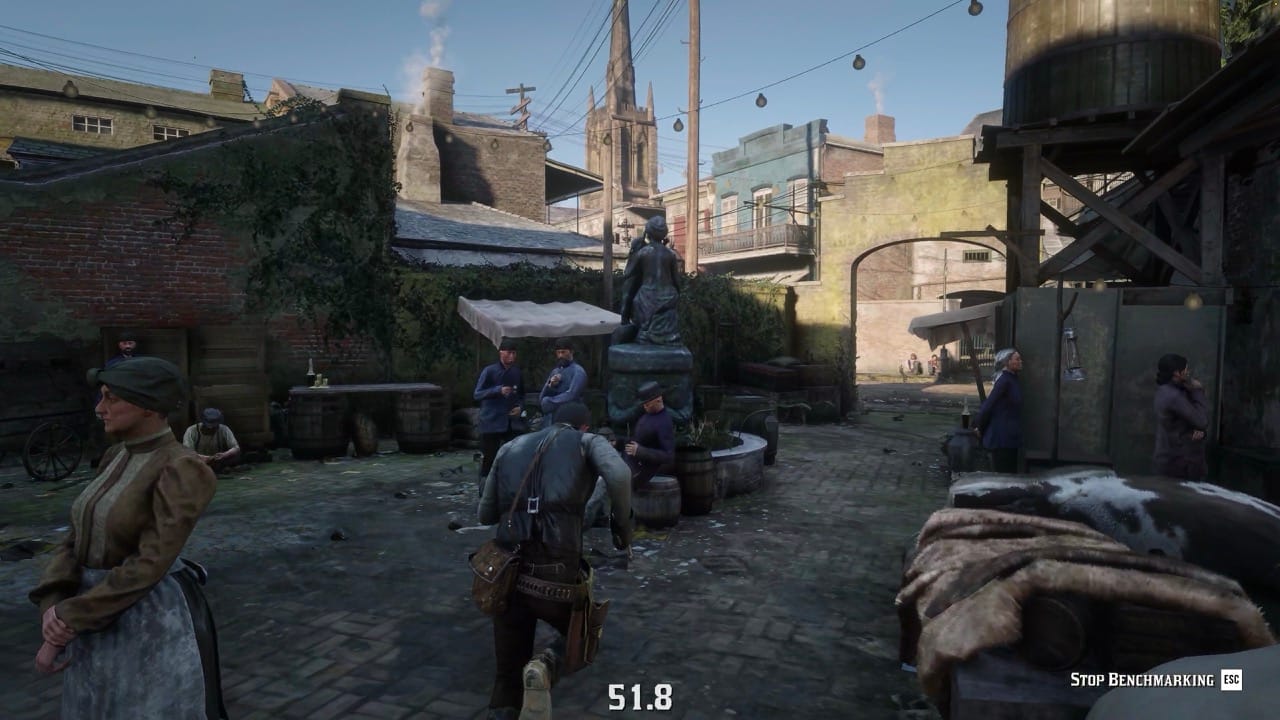
This wasn't a GPU problem. When I looked away from the NPCs, the frame rate jumped back to 70. The Xeon was hitting its limit — AI pathfinding, animation blending, and physics for dozens of NPCs on screen at once. No graphics setting would fix this because the bottleneck was the CPU, not the GPU.
We decided to keep Global Illumination on Ultra anyway. The Saint Denis crowd drops only happen in the densest parts of the city, and the visual improvement from Ultra GI is visible everywhere else. A fair trade.
Cloud gaming tips
A few things specific to playing on Shadow PC or any cloud streaming setup:
Turn off VSync. You already have input lag from the network stream — VSync adds another frame of delay on top. Use a frame rate limiter set to 60 instead. This gives you stable frame timing without the extra latency.
Turn off Motion Blur. On a local machine it's a taste thing, but on a stream it creates compression artifacts. The video encoder already struggles with fast movement; motion blur makes it worse.
Set the stream bitrate as high as your connection allows, and use H.265 encoding if your client supports it. RDR2 has a lot of subtle detail in foliage and distant landscapes that falls apart at low bitrates.
Final settings
Here's what I landed on. These are for the Quadro RTX 6000 at 4K with DLSS Quality, but the general principles apply to any GPU in the RTX 2000 range.
Graphics
| Setting | Value |
|---|---|
| Texture Quality | Ultra |
| Anisotropic Filtering | x16 |
| Lighting Quality | Ultra |
| Global Illumination Quality | Ultra |
| Shadow Quality | Ultra |
| Far Shadow Quality | Ultra |
| Screen Space Ambient Occlusion | Ultra |
| Reflection Quality | Ultra |
| Mirror Quality | Medium |
| Water Quality | High |
| Volumetrics Quality | Ultra |
| Particle Quality | High |
| Tessellation Quality | Ultra |
| NVIDIA DLSS | Quality |
| NVIDIA DLSS Sharpening | 50–60% |
Advanced graphics
| Setting | Value |
|---|---|
| Graphics API | Vulkan |
| Near Volumetric Resolution | Medium |
| Far Volumetric Resolution | Low |
| Volumetric Lighting Quality | High |
| Unlocked Volumetric Raymarch Resolution | Off |
| Particle Lighting Quality | High |
| Soft Shadows | High |
| Grass Shadows | Medium |
| Long Shadows | On |
| Full Resolution SSAO | Off |
| Water Refraction Quality | High |
| Water Reflection Quality | High |
| Water Physics Quality | ~75% |
| Resolution Scale | Off |
| TAA Sharpening | 60–70% |
| Motion Blur | Off |
| Reflection MSAA | Off |
| Geometry Level of Detail | ~75% |
| Grass Level of Detail | ~75% |
| Tree Quality | High |
| Parallax Occlusion Mapping Quality | High |
| Decal Quality | High |
| Fur Quality | High |
| Tree Tessellation | Off |
Benchmark results
| Scene | FPS |
|---|---|
| Blizzard (mountains) | 63 |
| Swamp (night) | 70 |
| Desert (sunset) | 77 |
| Valentine (night) | 63 |
| Interior (shop) | 67 |
| Saint Denis (day) | 60–70 (52 in crowds) |
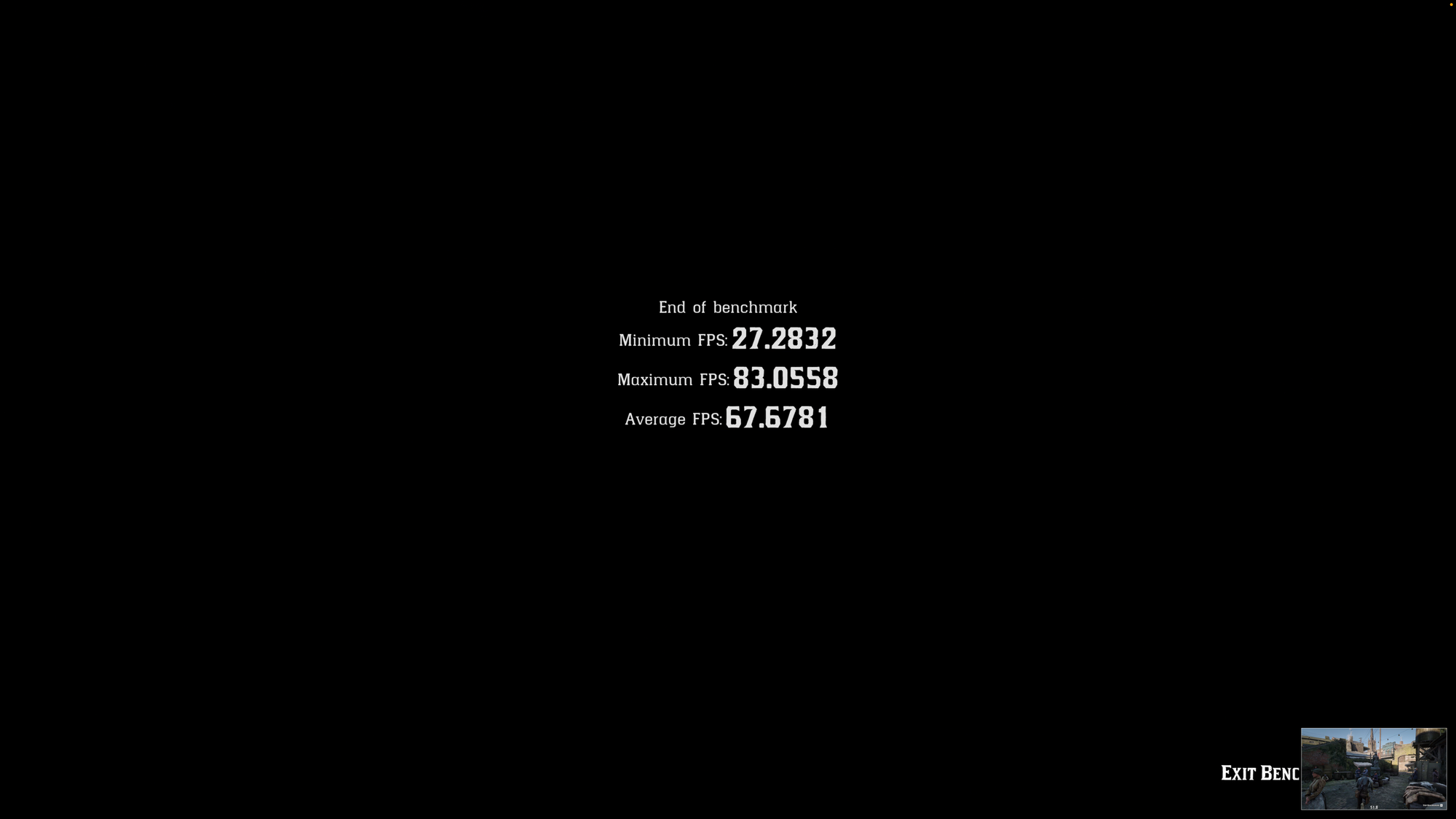
From 43 average to 60+ everywhere that the CPU allows. The game looks almost indistinguishable from full Ultra — the only real visual compromise is volumetric resolution, and you genuinely can't tell the difference during gameplay.